Here is the step by step guide for how to integrate Free App Analytics to App Samurai in order to create mobile ad campaigns.
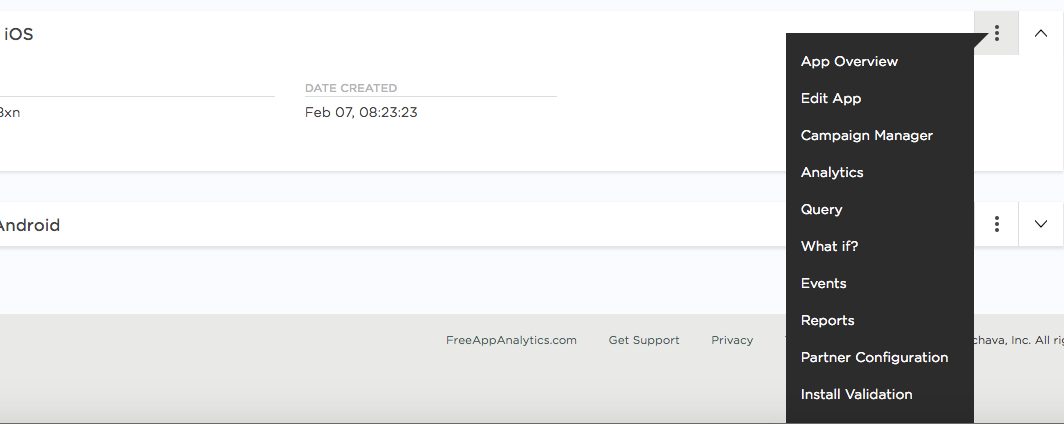
- Under Apps, please find the app you want to create a tracking url for, click on the 3 dots button, and select Partner Configuration.
- On the partner configuration page, click on the "Add a Configuration" button.

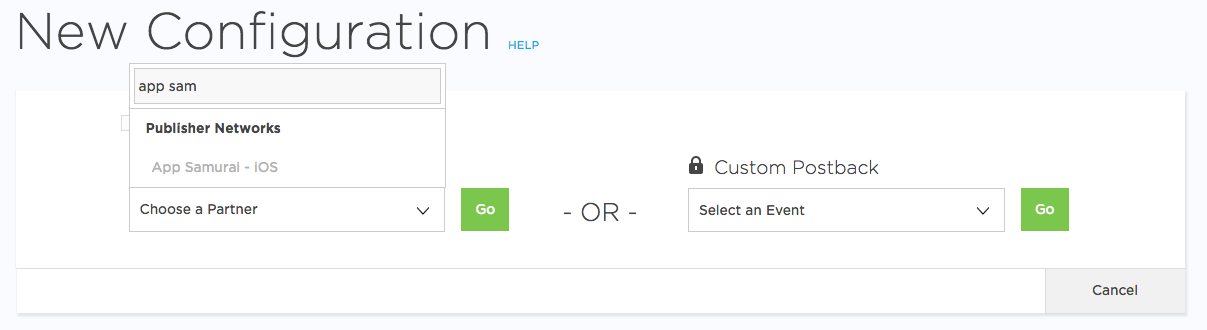
- Find App Samurai on the Media Partners list and click on the "Go" button.
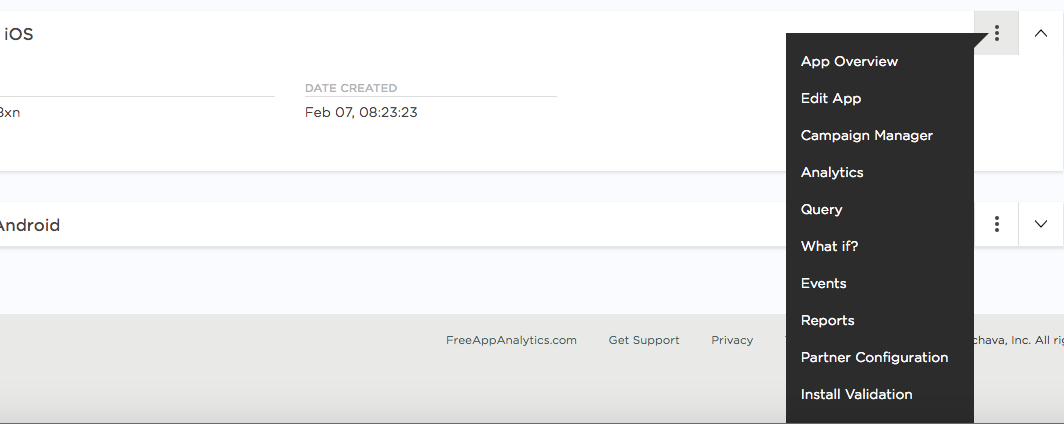
- Go back to the Apps page, click the 3 dots button again, and select Campaign Manager.
- On the Campaign Manager page, click on "Add a Tracker".

- Fill the form on the Add a Tracker page and click save. Your link will be generated. Copy and paste your link into the App Samurai Dashboard.