This document outlines the steps to set up AppSamurai as an attribution partner in Adjust. Follow the three sections below in order to create the partner, enable data sharing, and share your mapped event names.
A) Create a partner
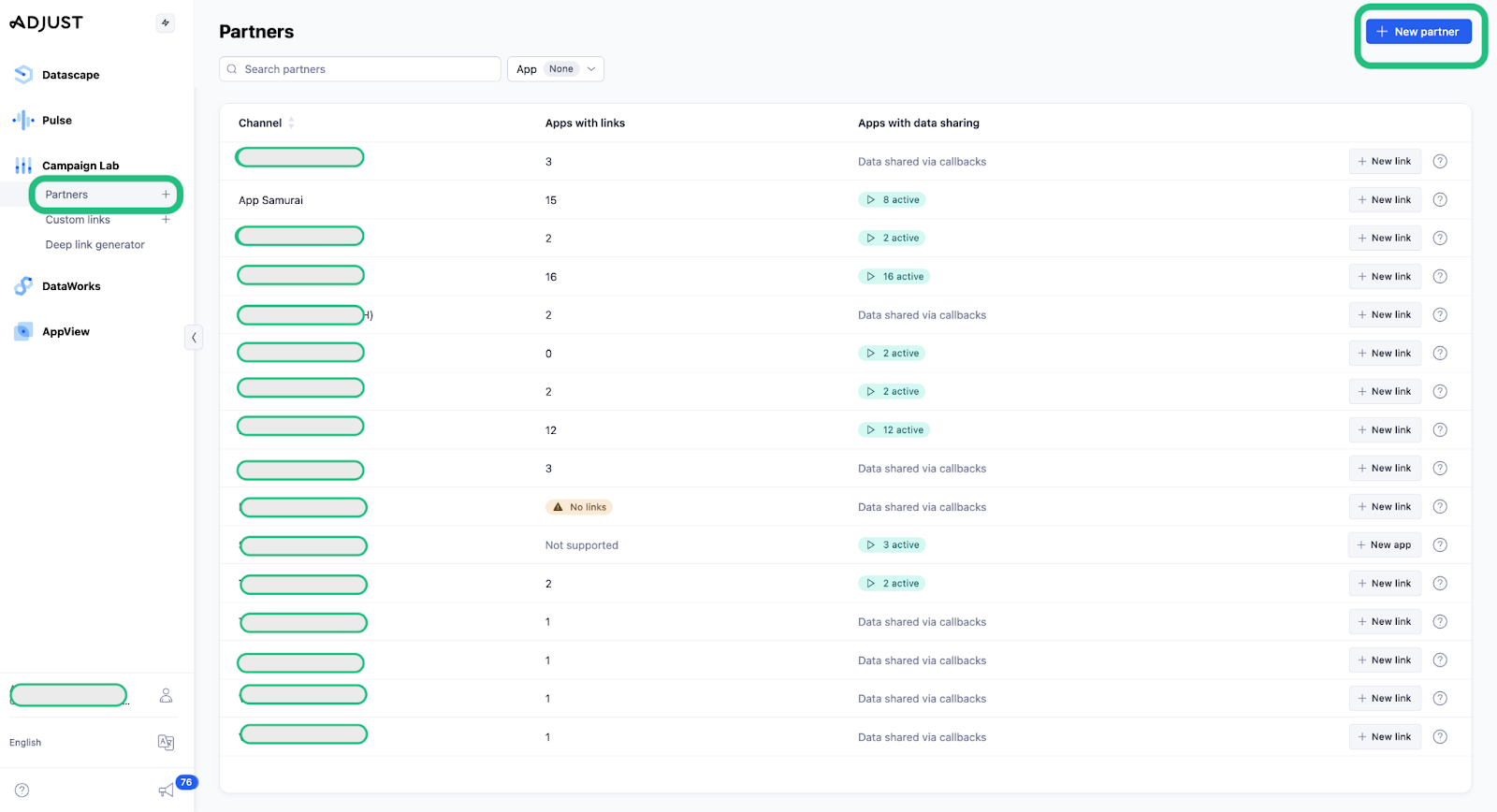
- Select "New Partner" in Adjust.
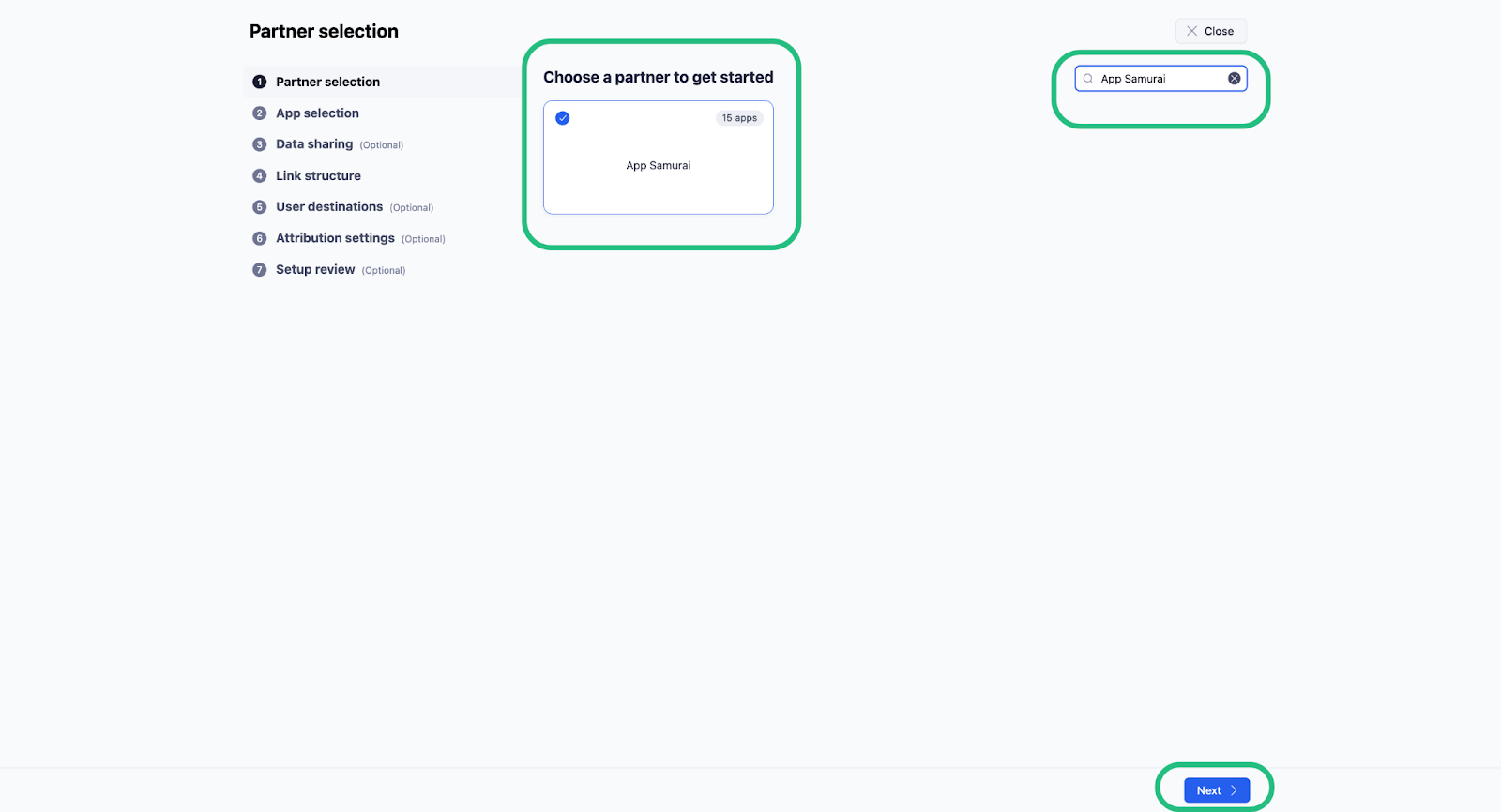
- Choose AppSamurai from the partner list.
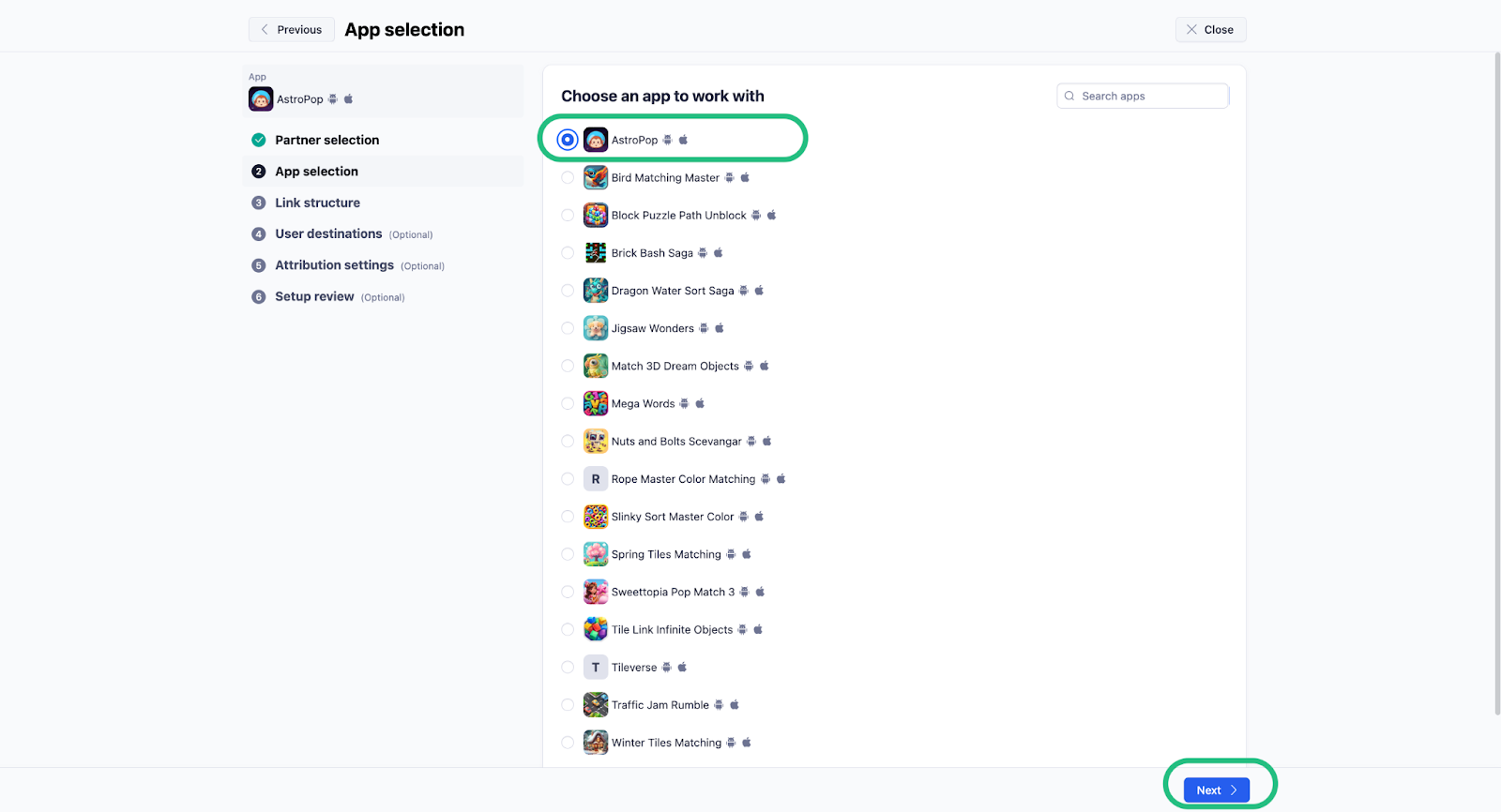
- Select the app you want to integrate.
- Name your tracker.
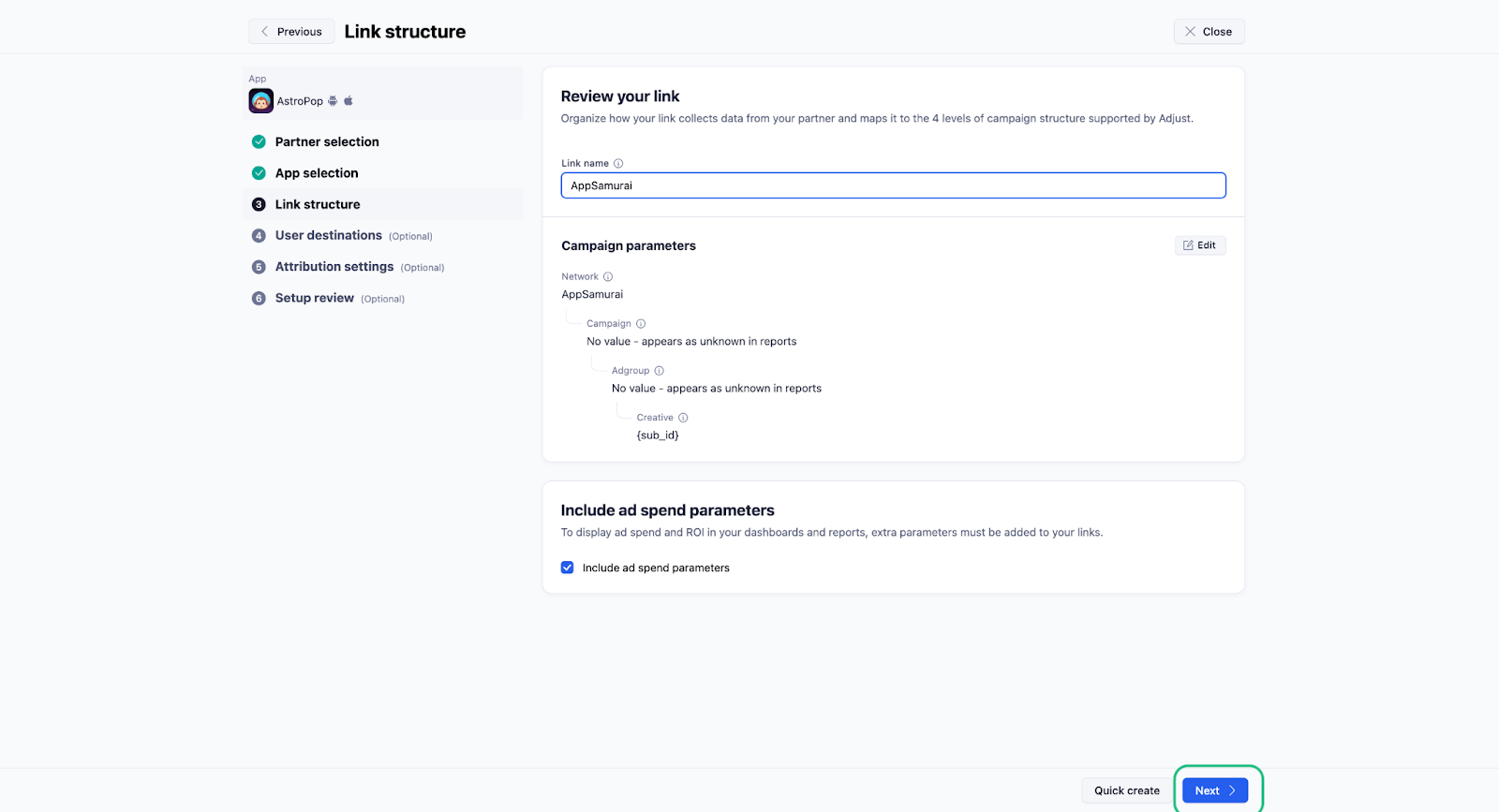
- Select "Next" in the Link Structure section.
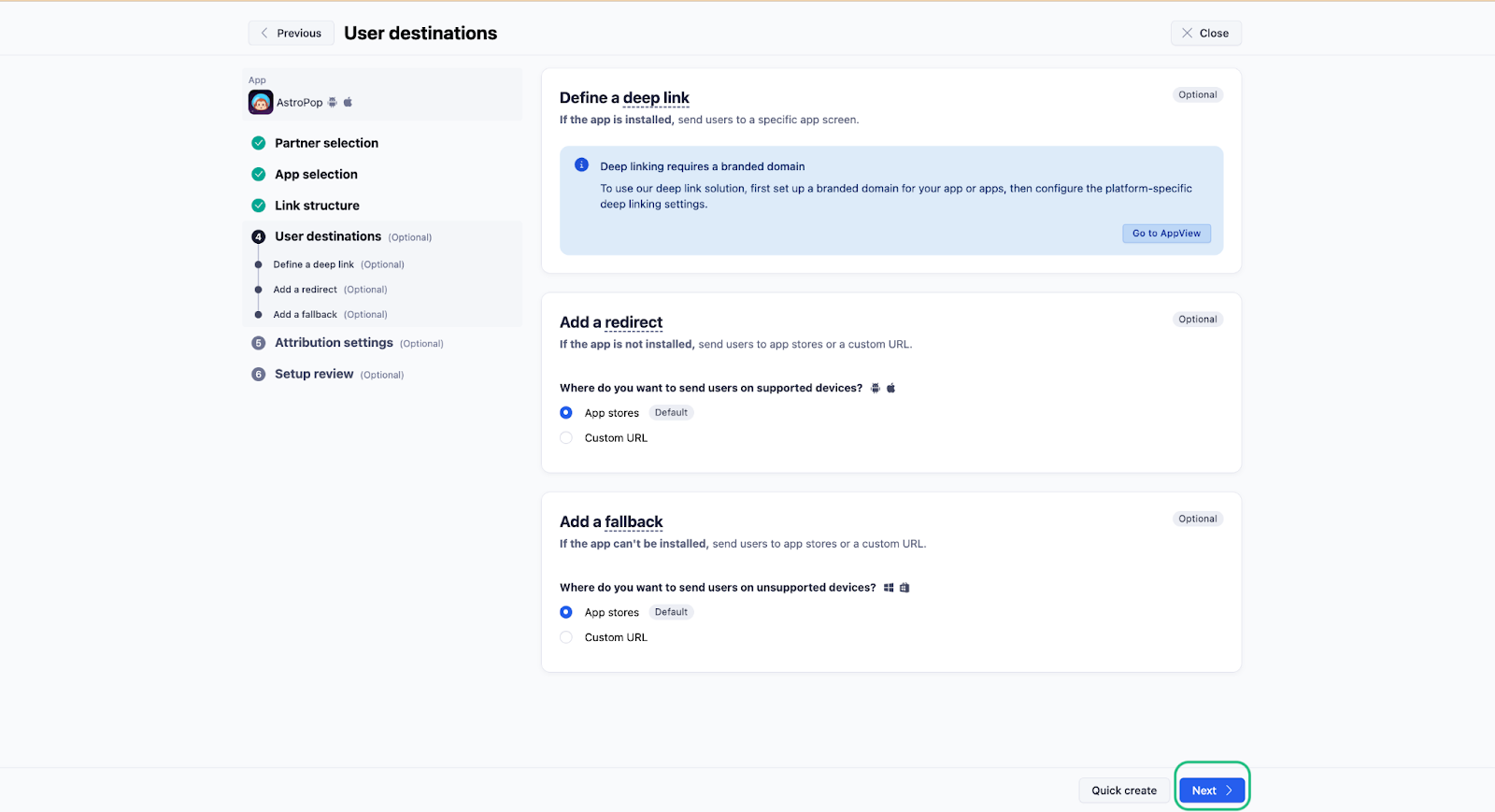
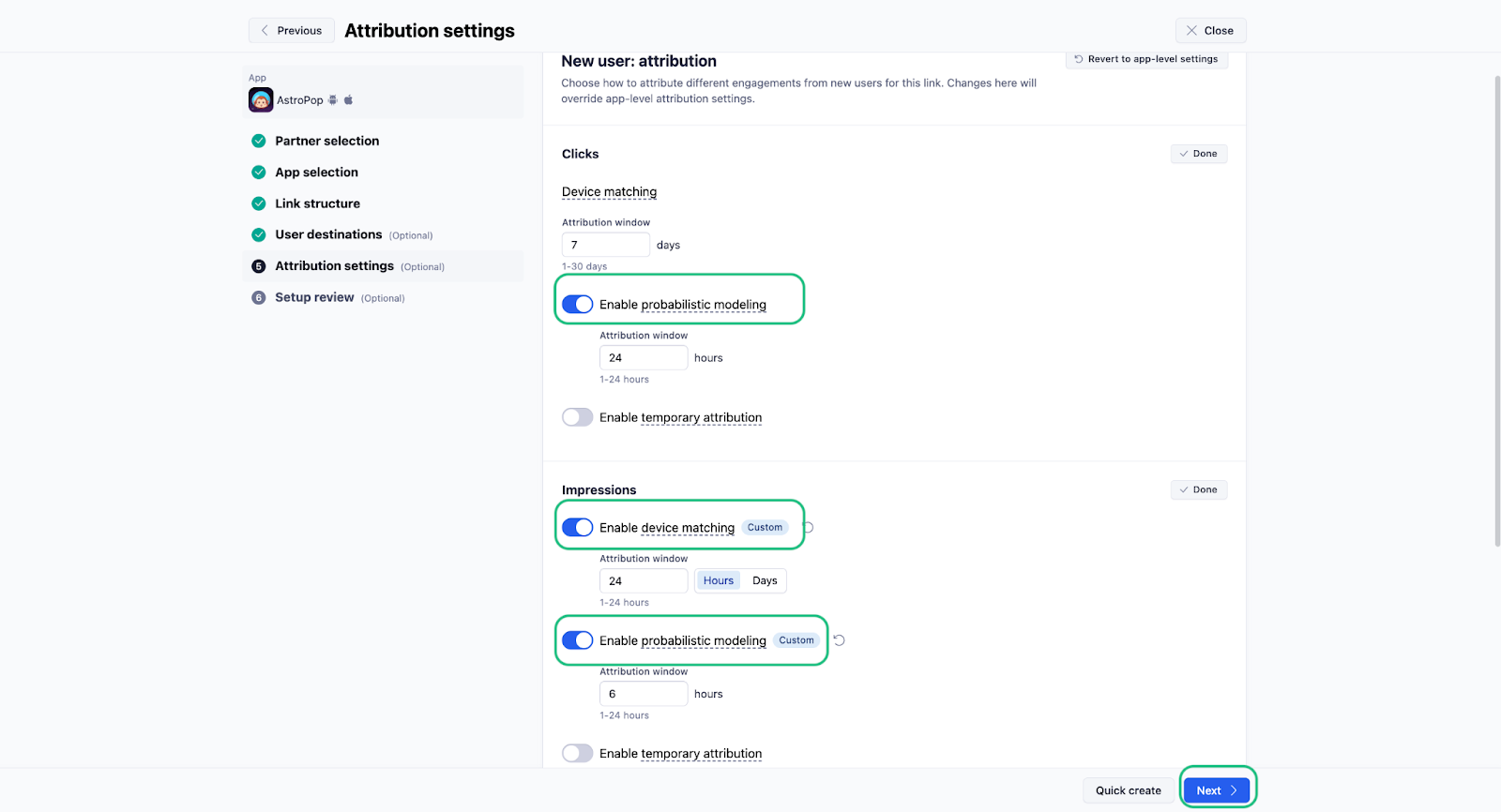
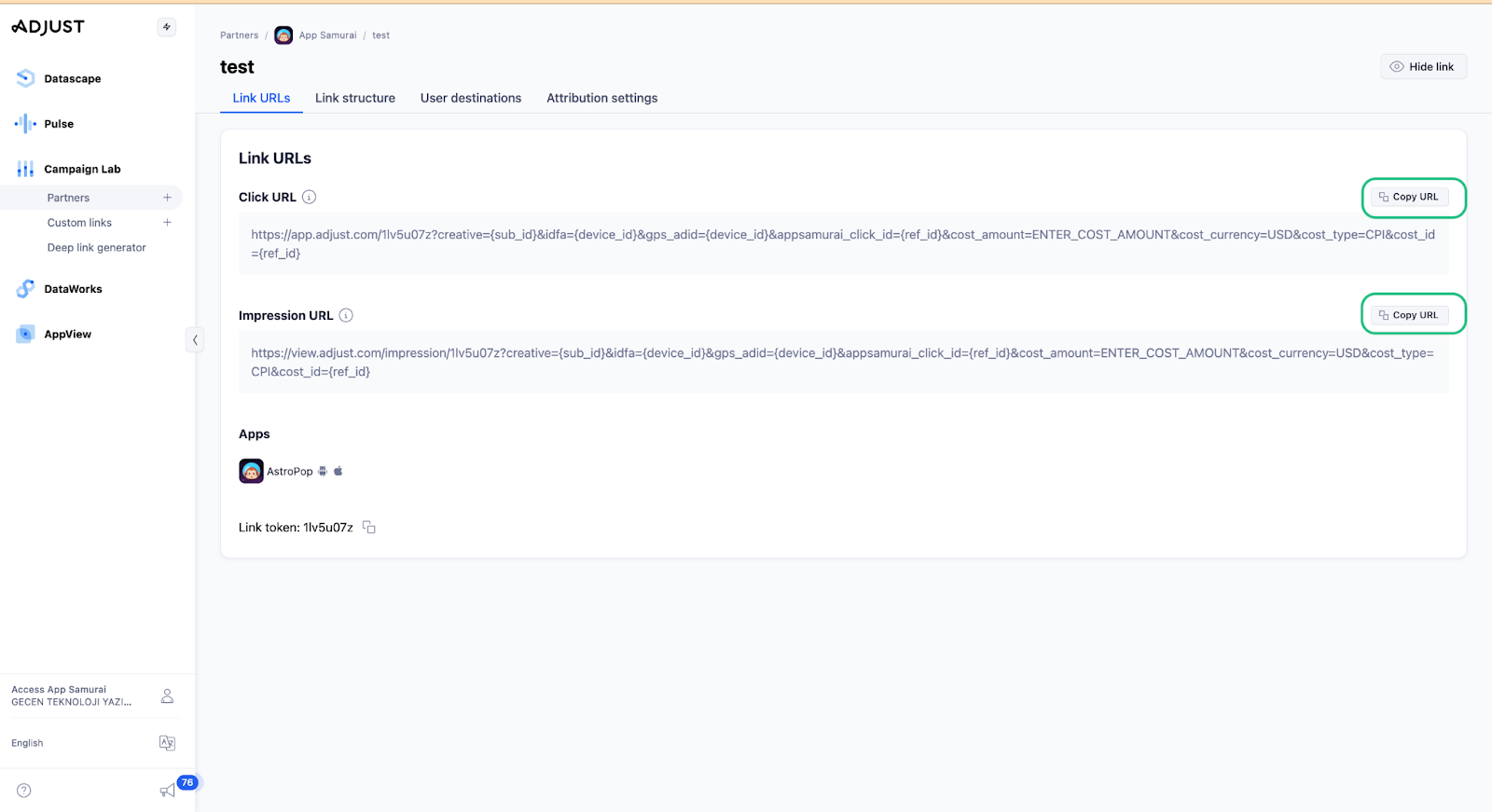
- Enable click and impression attribution.
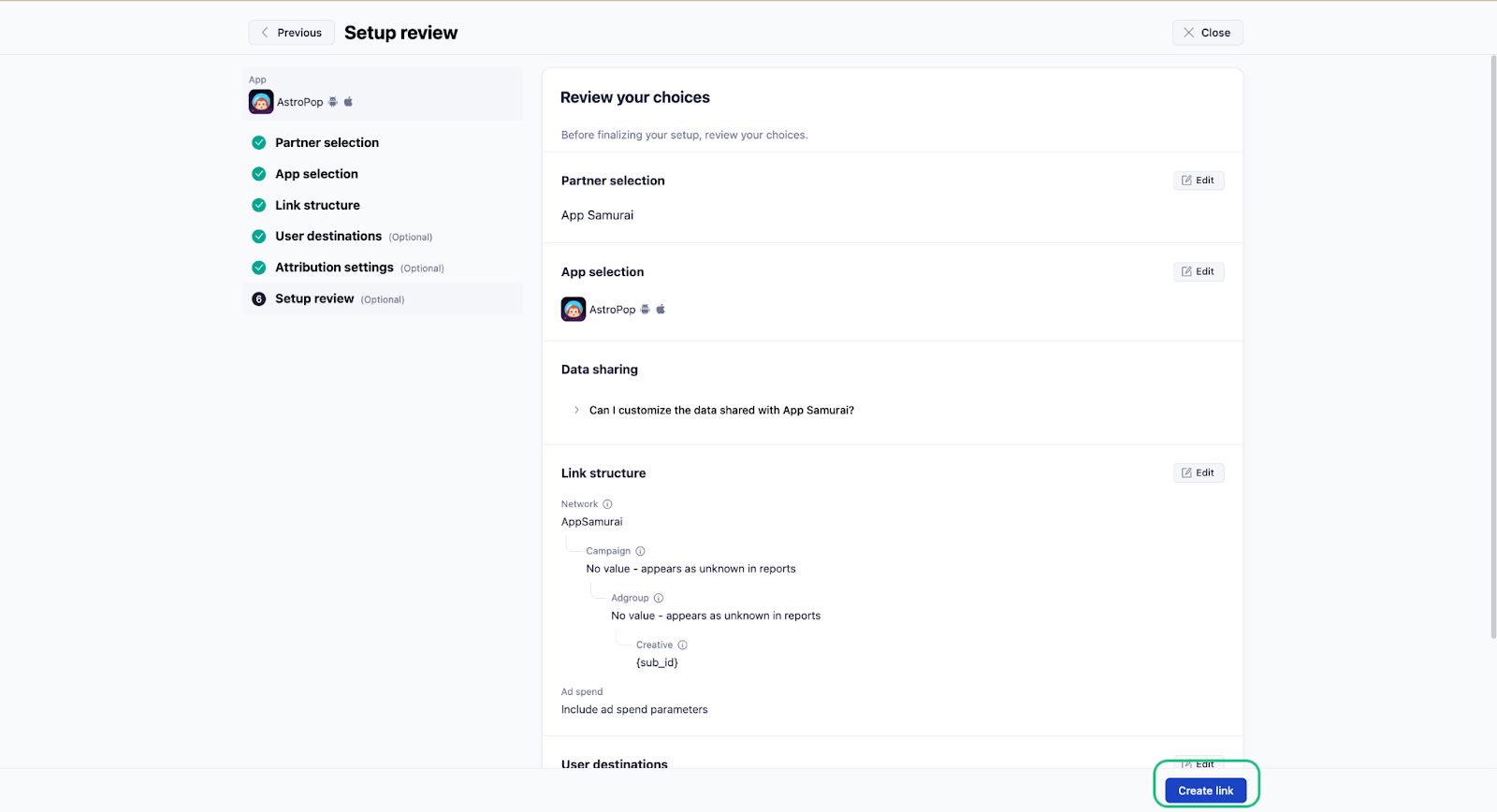
- Create the link and share it with AppSamurai.
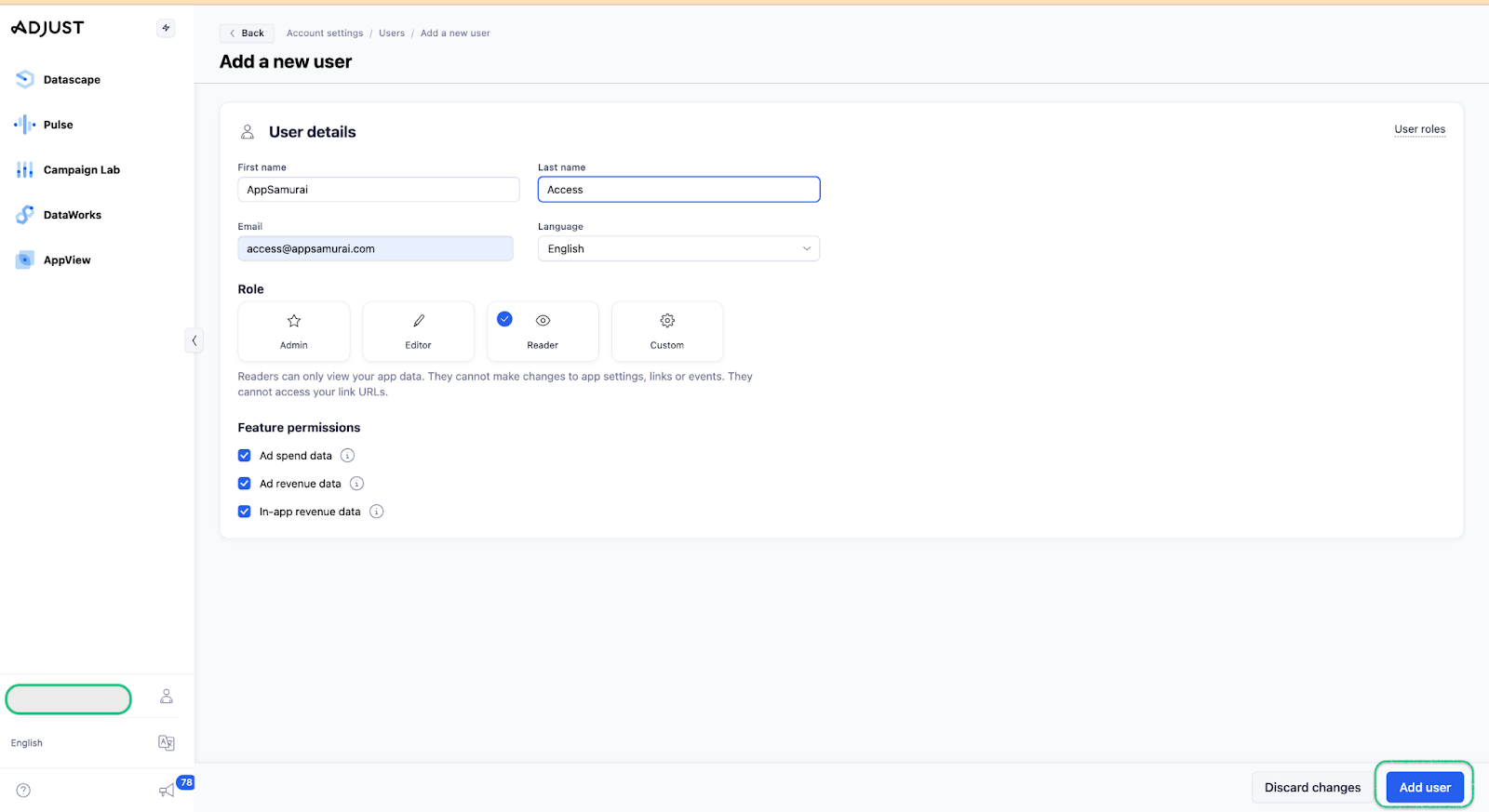
- Grant access to
access@appsamurai.comusing Account Settings then Users.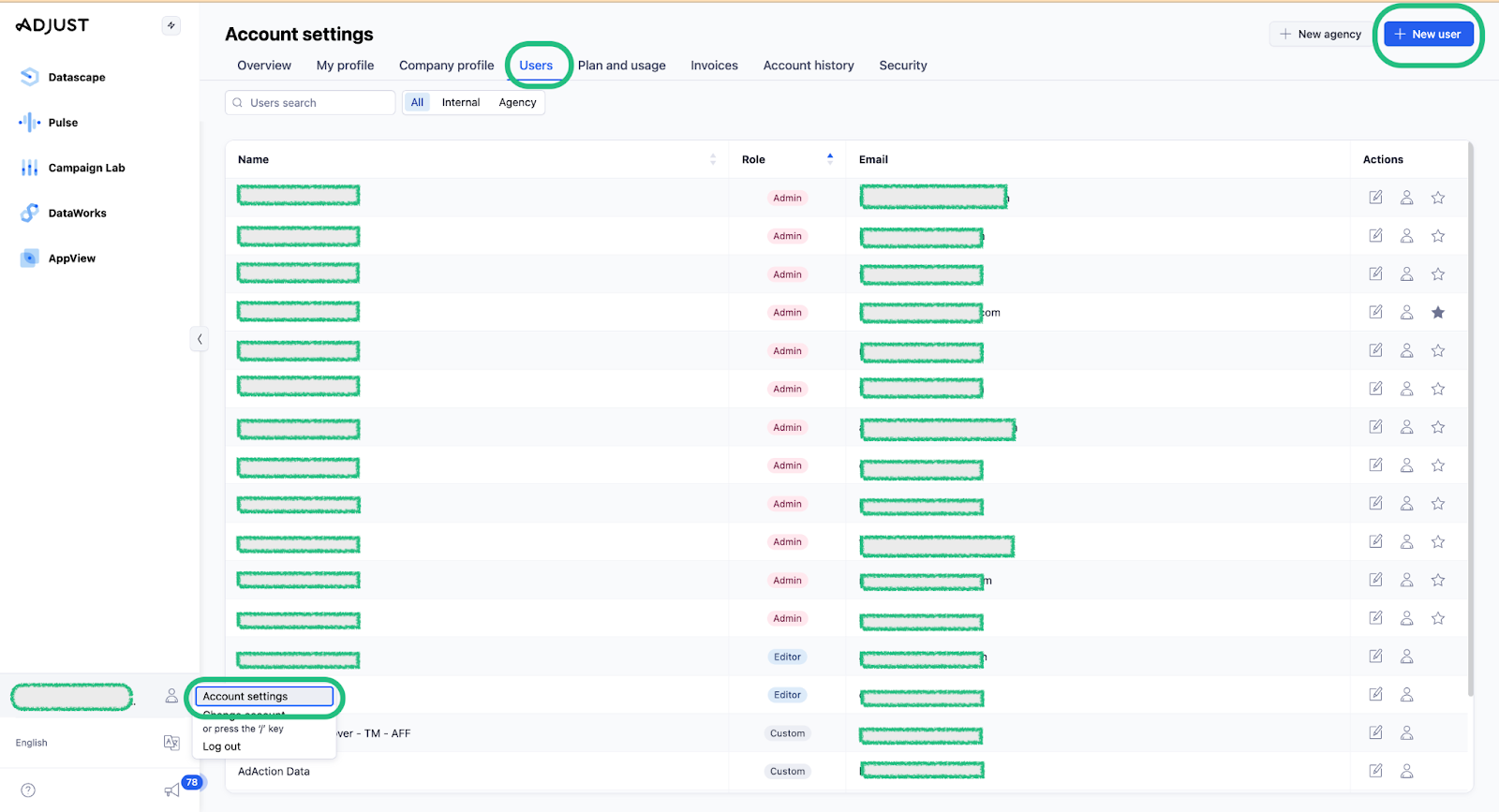
B) Enable data sharing
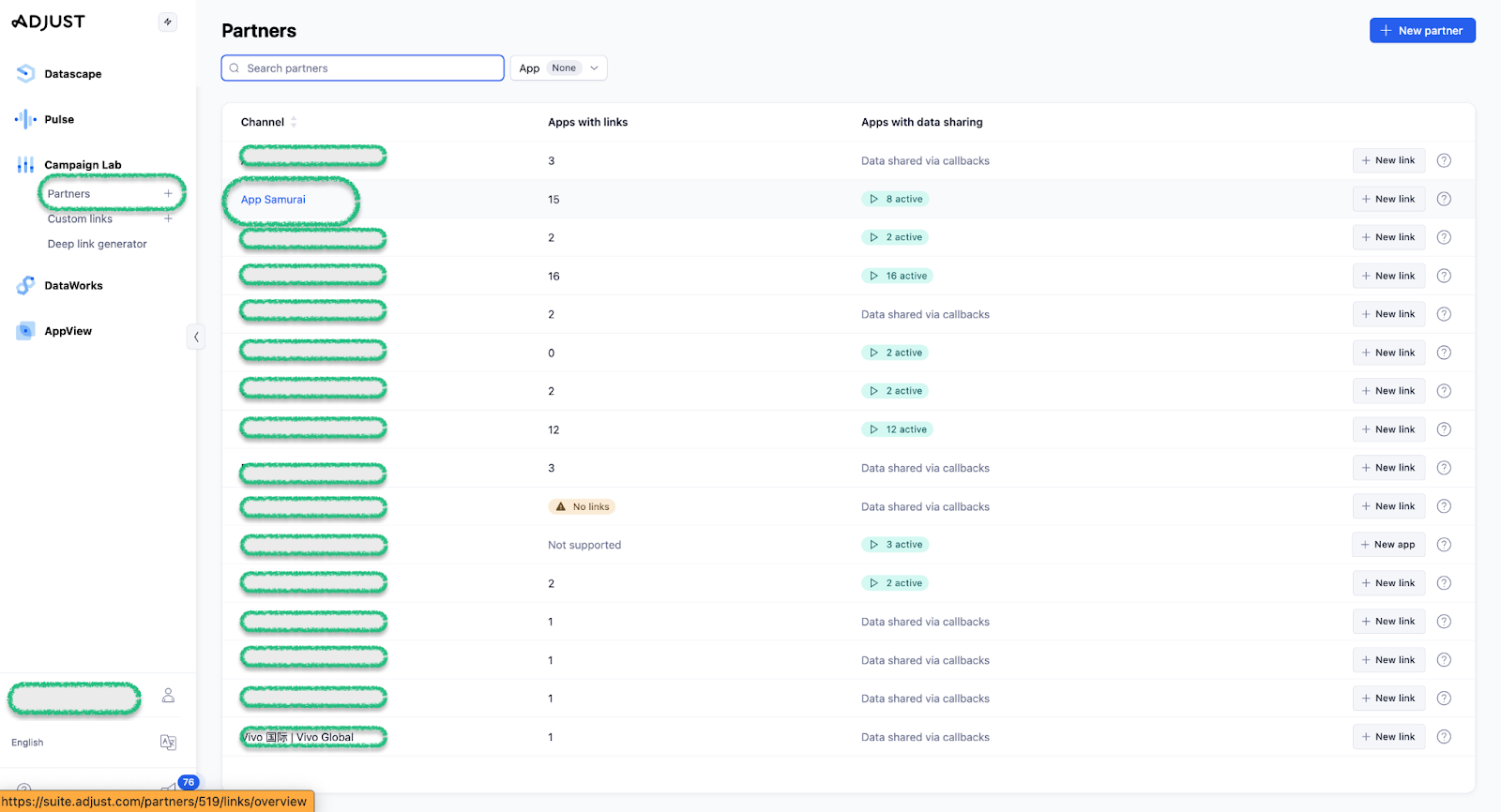
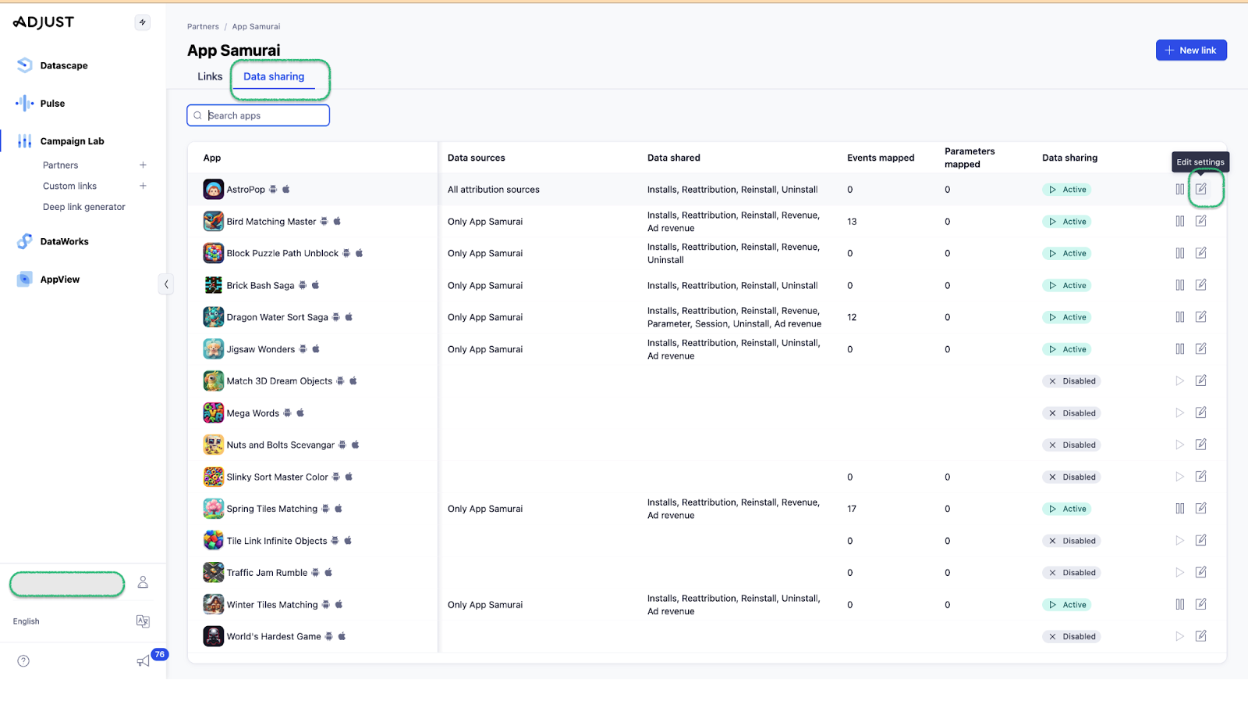
- Select AppSamurai from the Partner page.
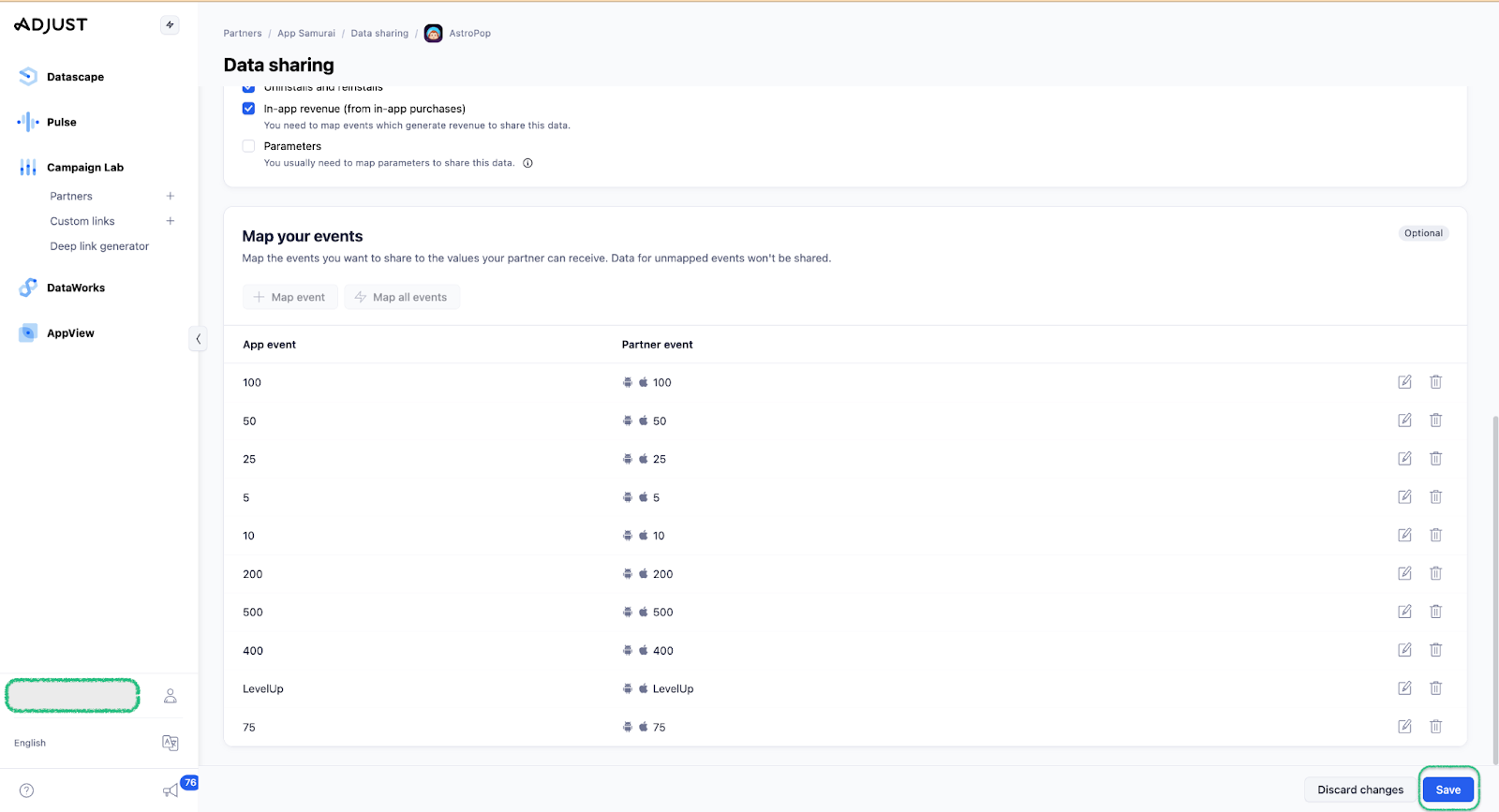
- Go to the Data Sharing tab and click the edit icon.
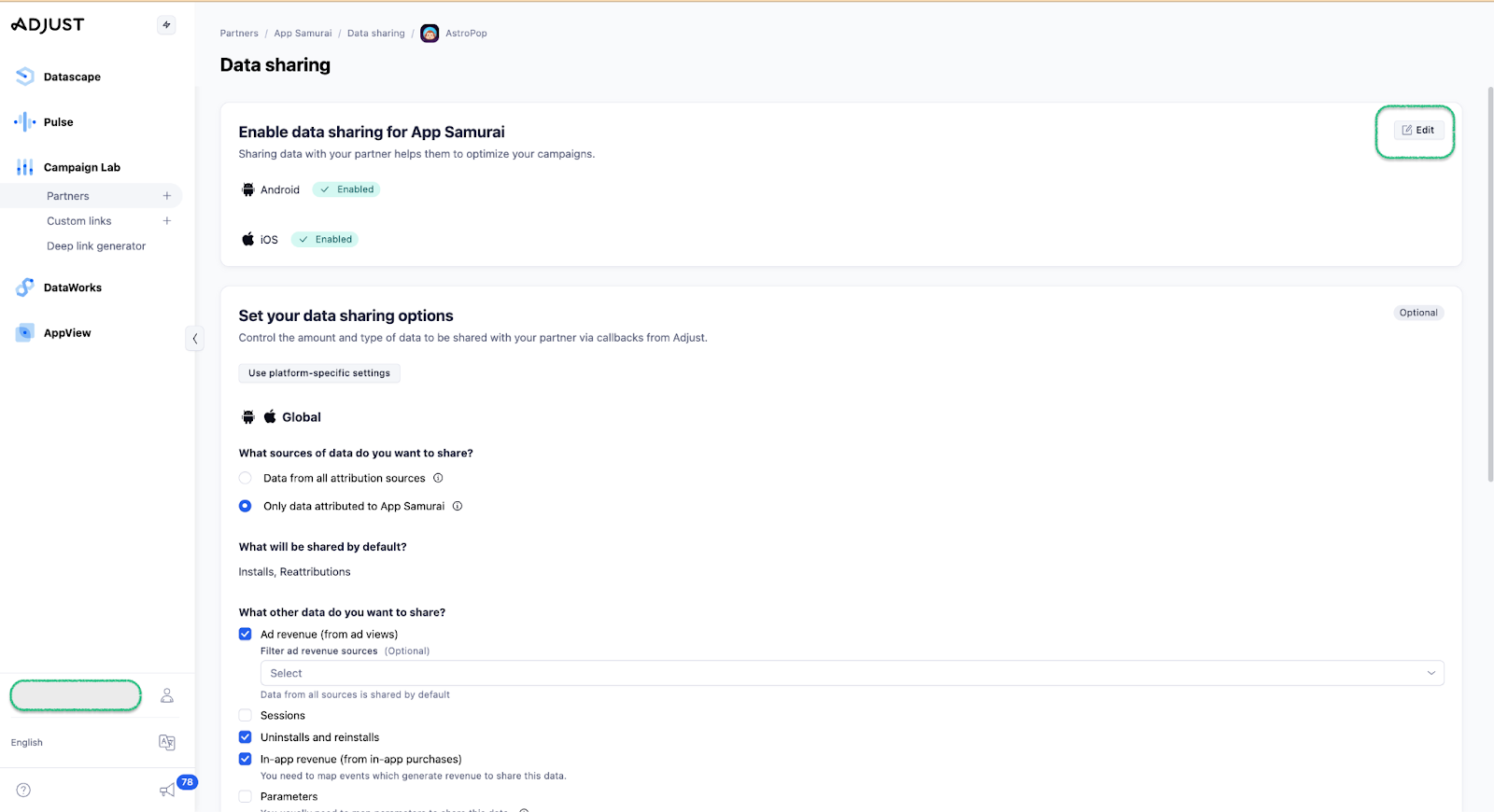
- Enable data sharing for both operating systems (Android and iOS).
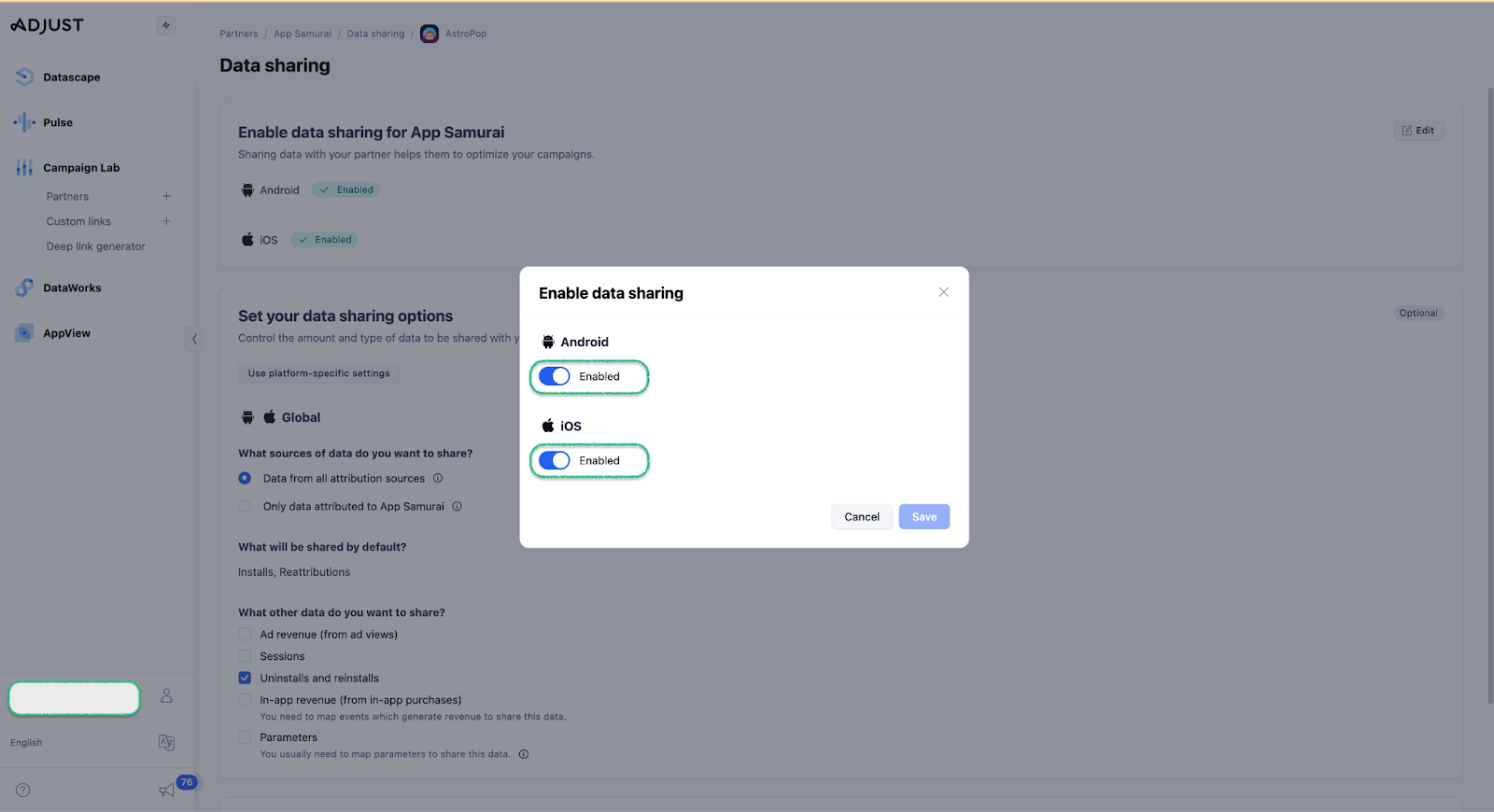
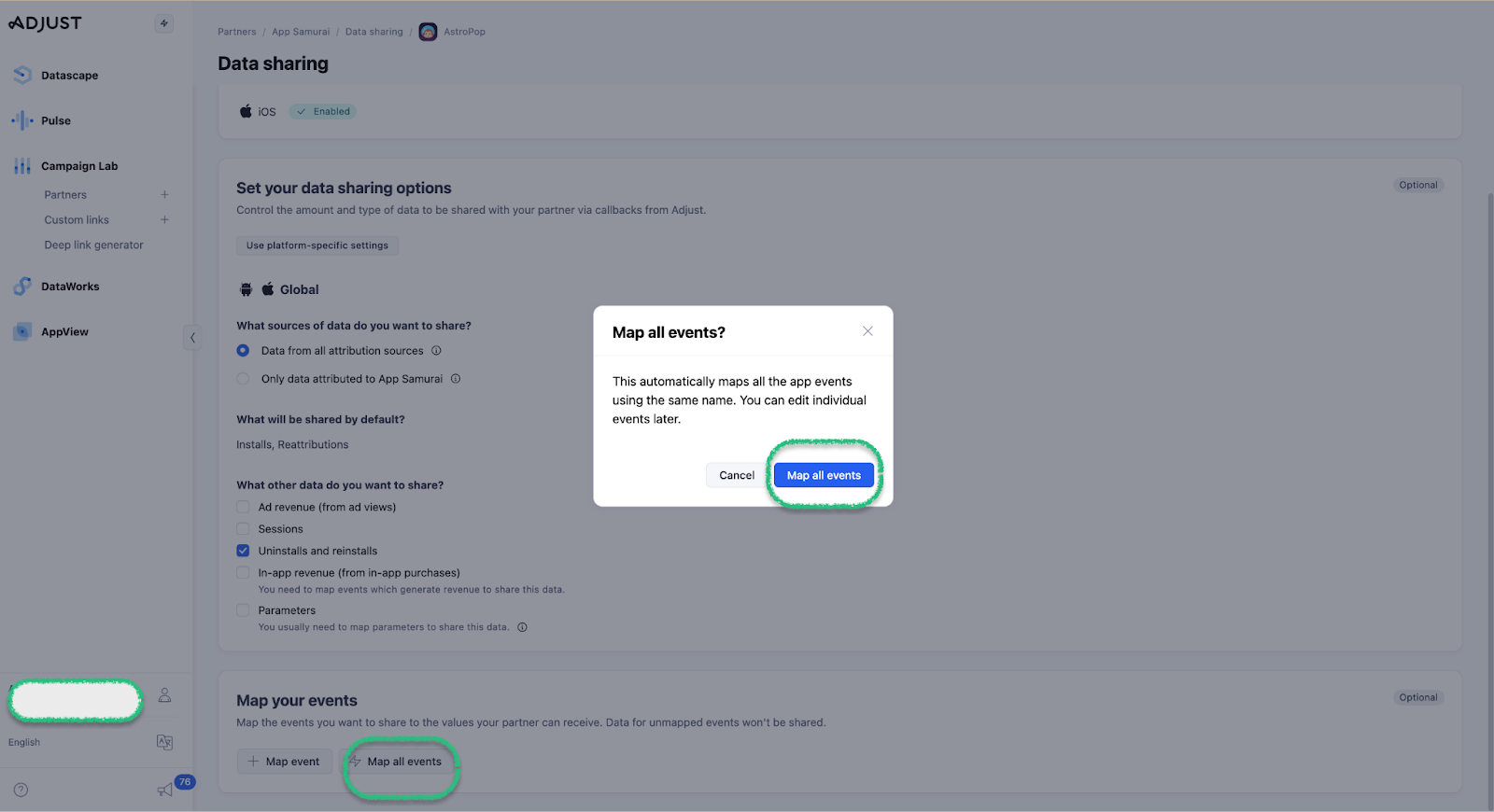
- Map all events, ensuring the app event name and partner event name are the same. Save the changes.
C) Share the mapped event names
- Go to the "All Apps" tab and select the related app.
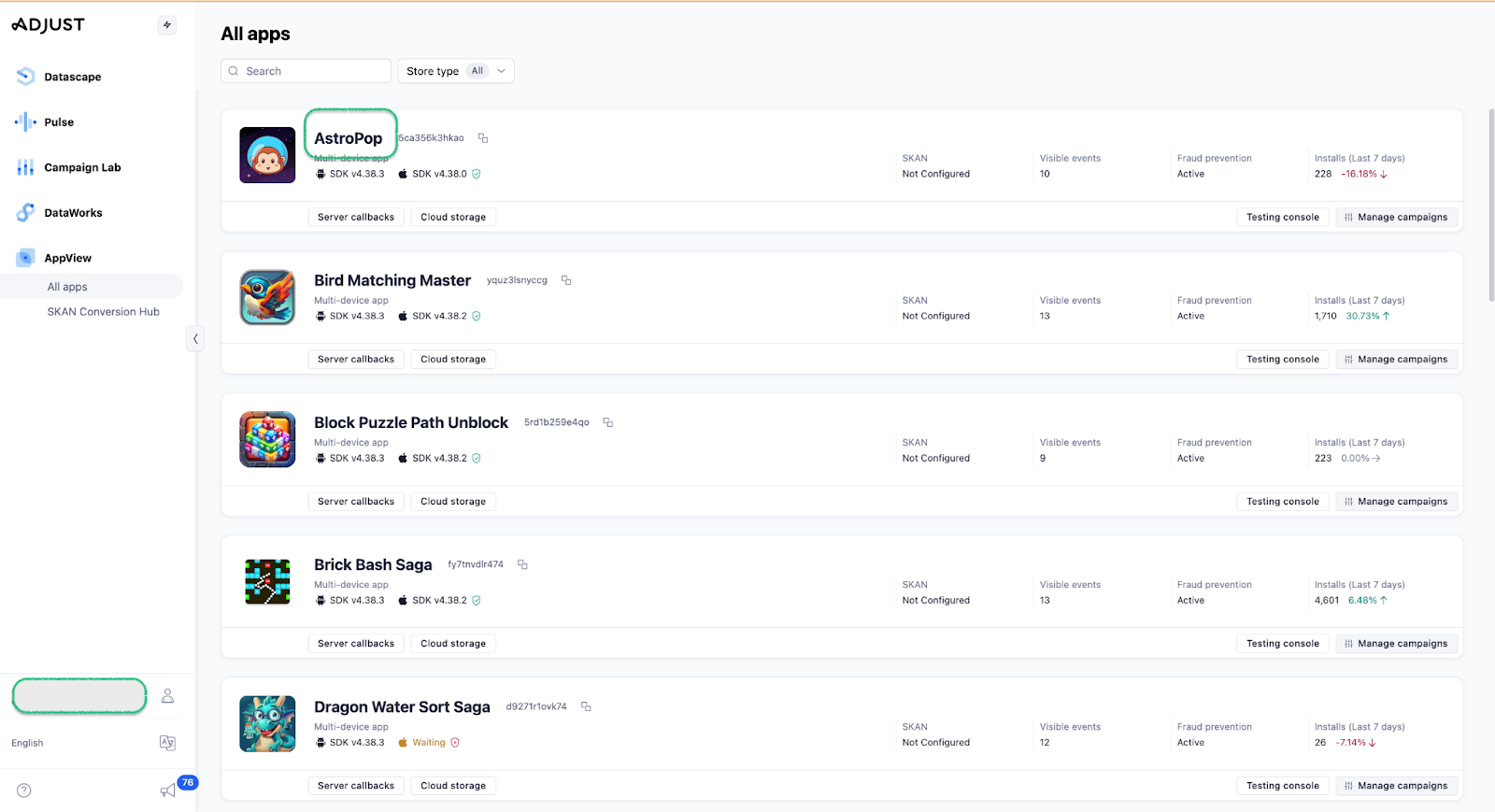
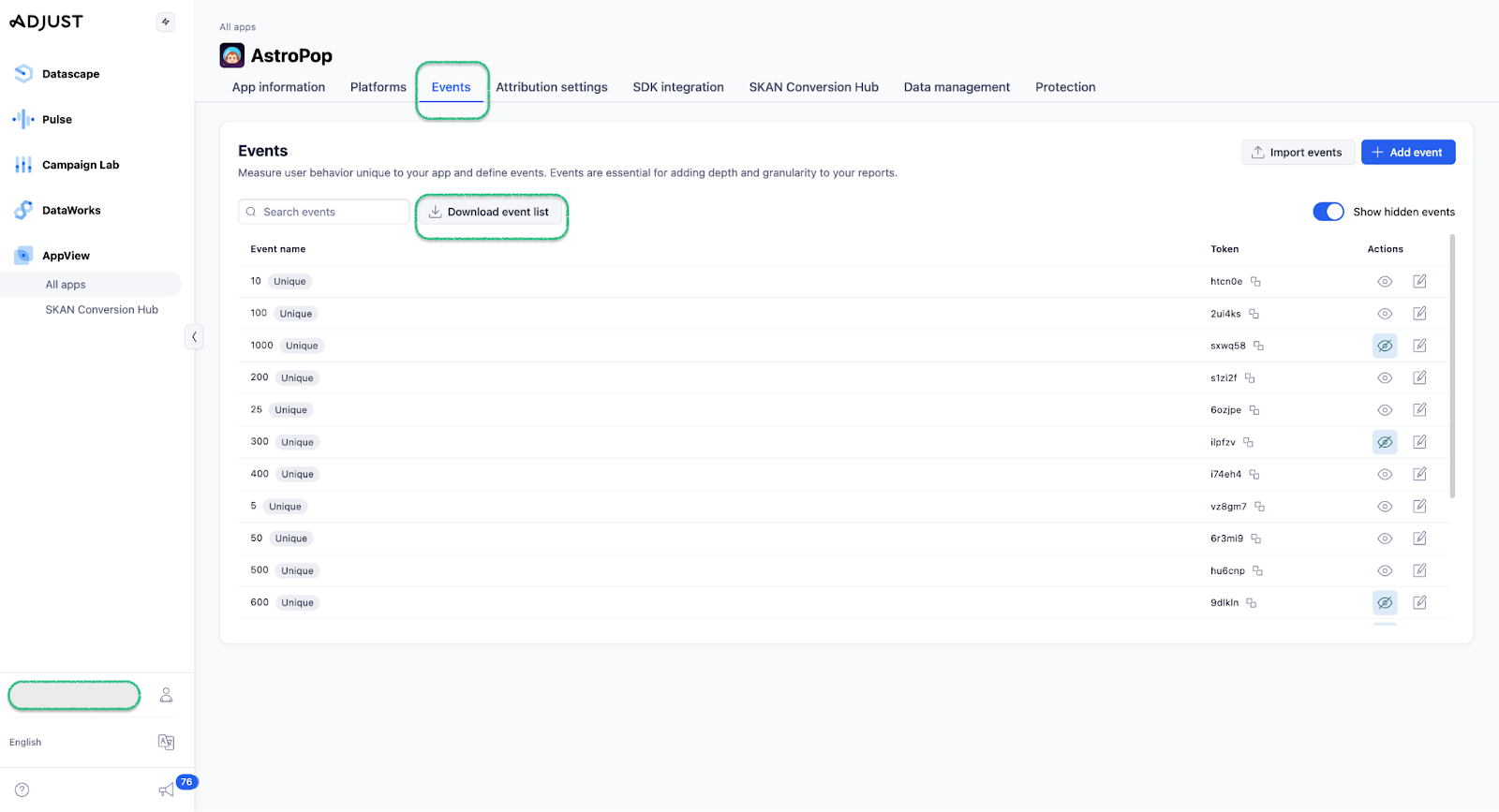
- Go to the "Events" section, download the event list, and share it with AppSamurai.