A step-by-step technical guide to integrating the Airbridge Mobile Measurement Partner with AppSamurai, from creating your Airbridge app to building tracking links.
Please follow the steps below to complete the integration process.
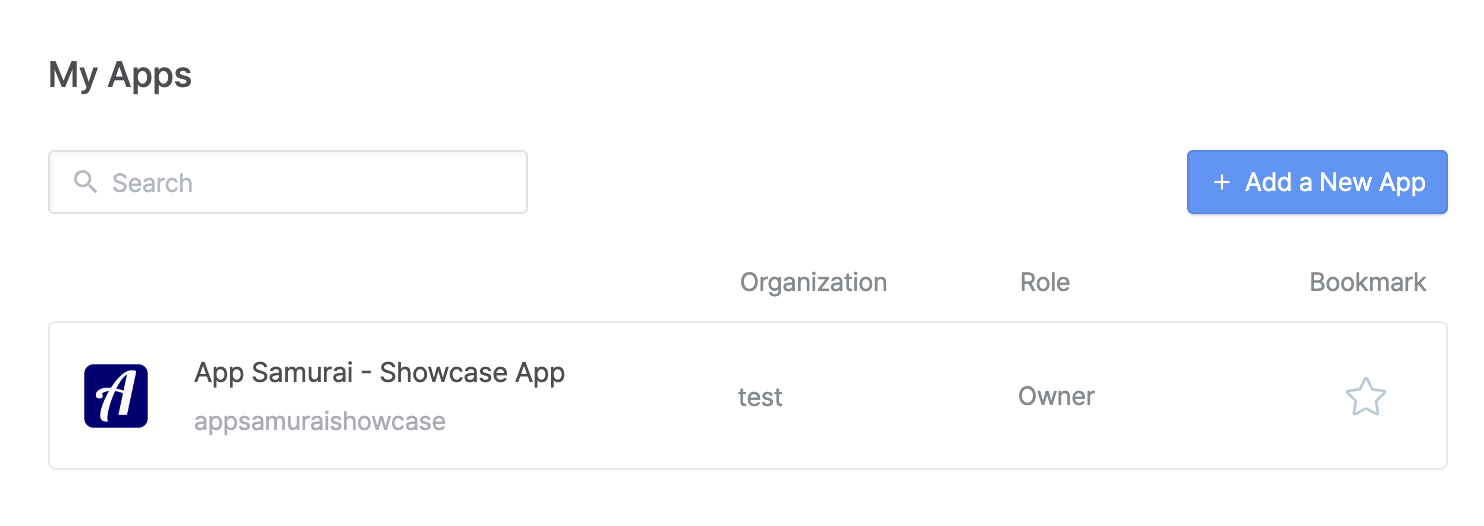
Once logged in to the Airbridge dashboard, select the "My Apps" area from the menu above and begin adding your App.
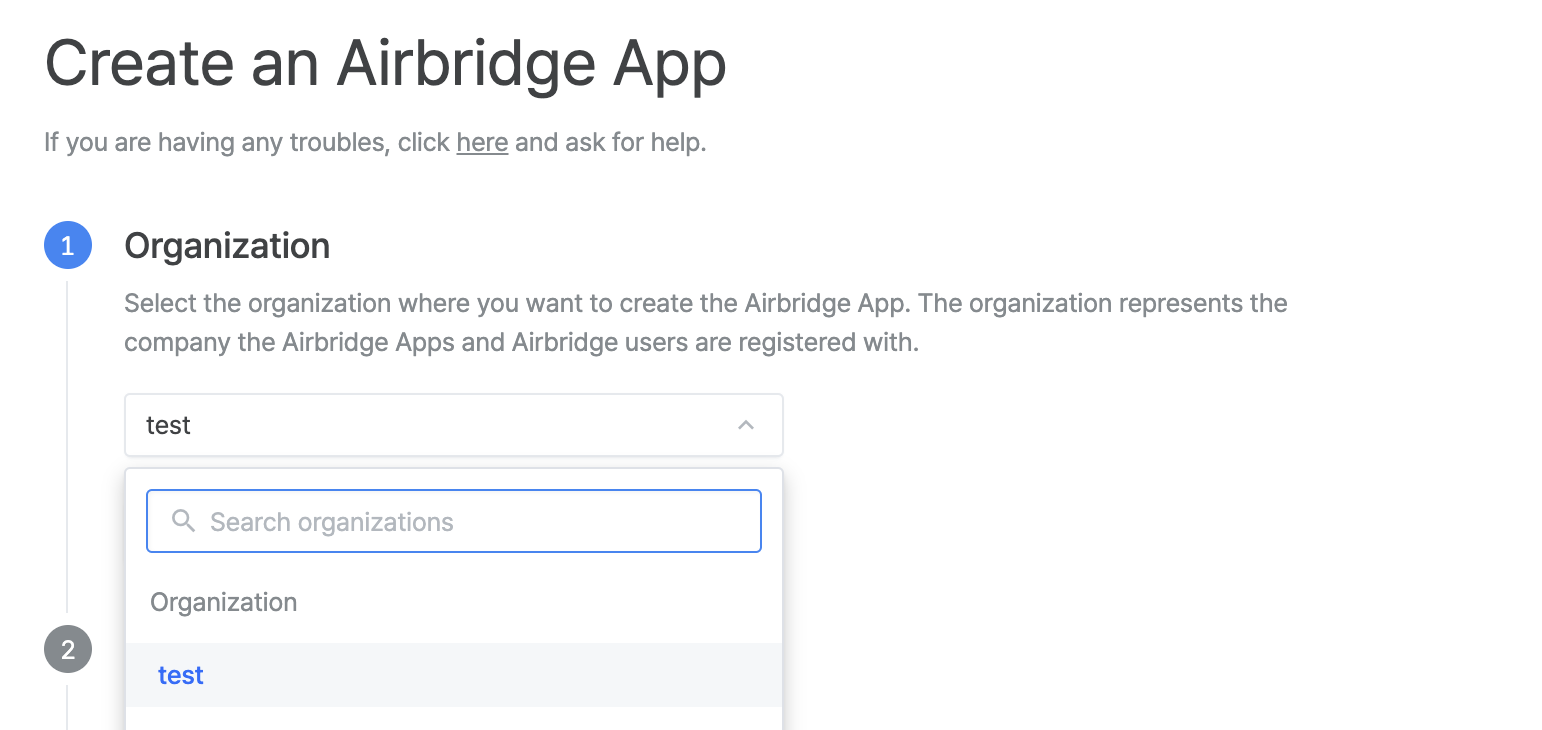
Choose the organization for which you wish to create the Airbridge app.
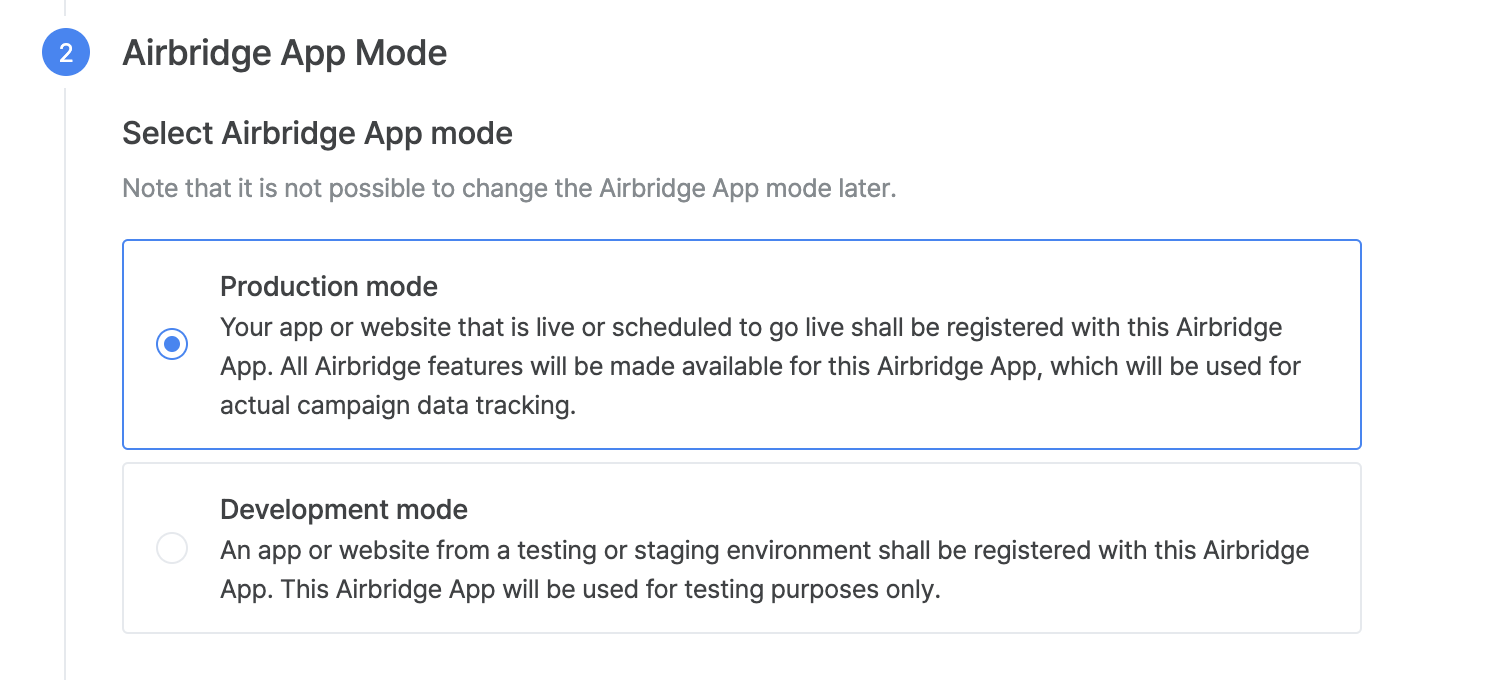
To measure your traffic, please choose the production method.
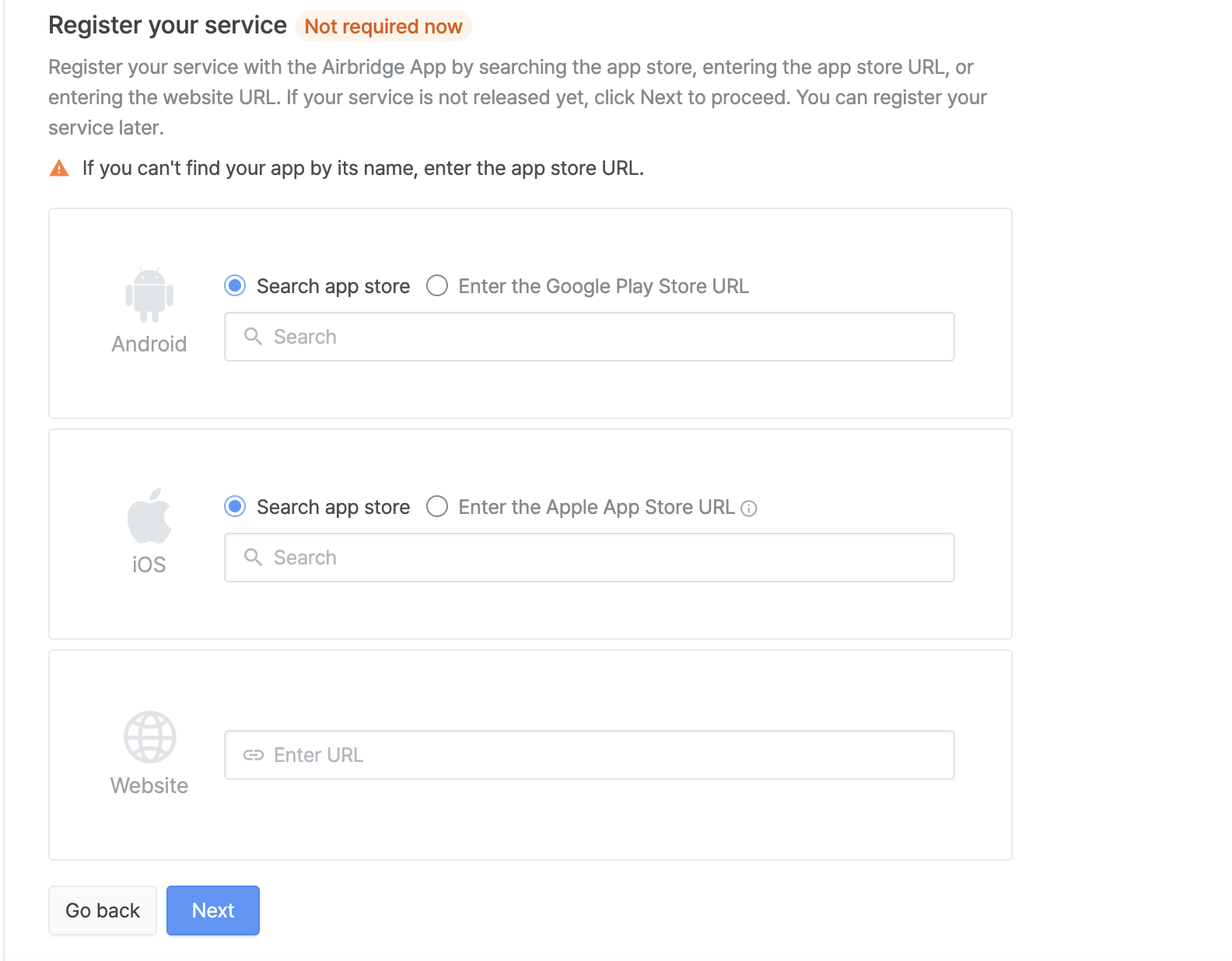
After selecting the app mode, search for your app by typing the name of Your APP Name or by clicking the "Enter the Google Play Store URL / Enter the Apple App Store URL" radio button, where you may enter your app store or play store link, and then proceed to the next step.
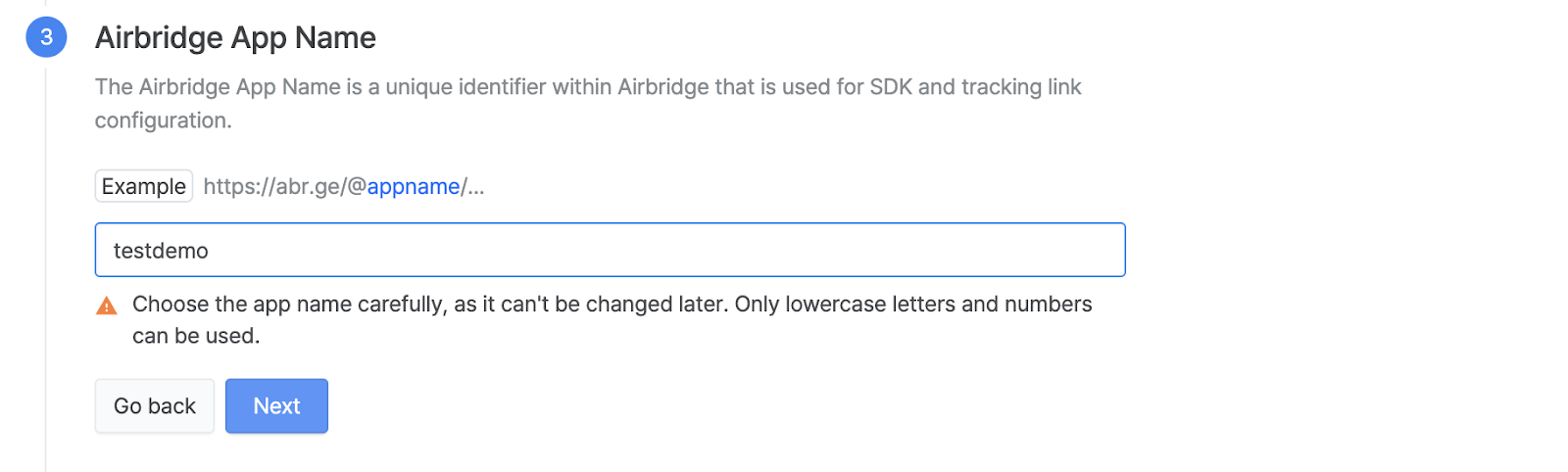
In this section, put your App Name, which will be a unique identifier.
Choose the time zone that best fits you.
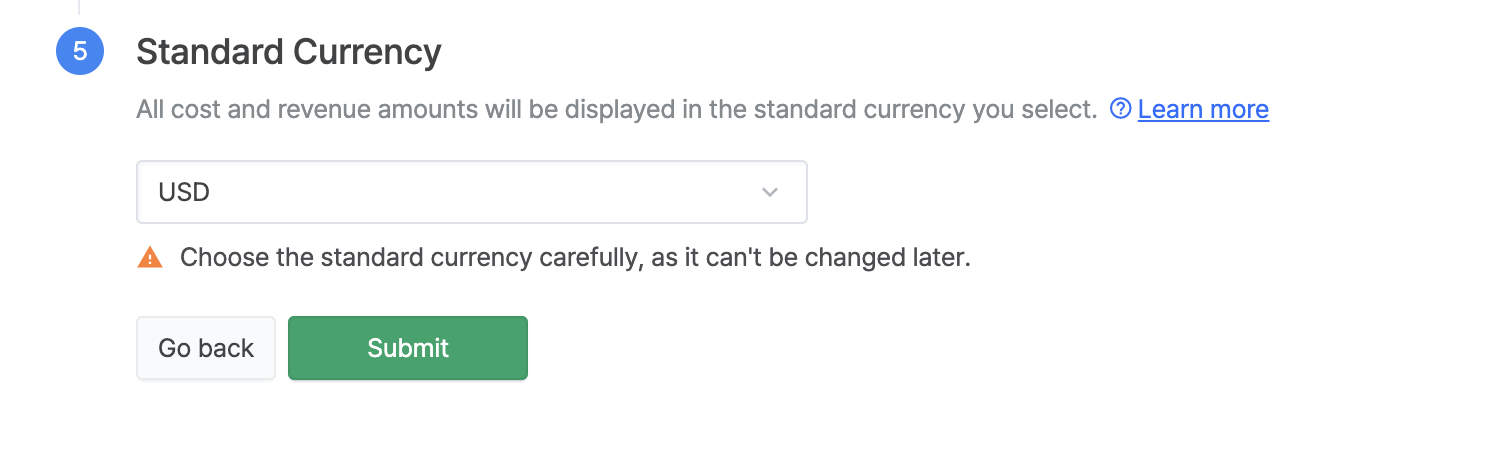
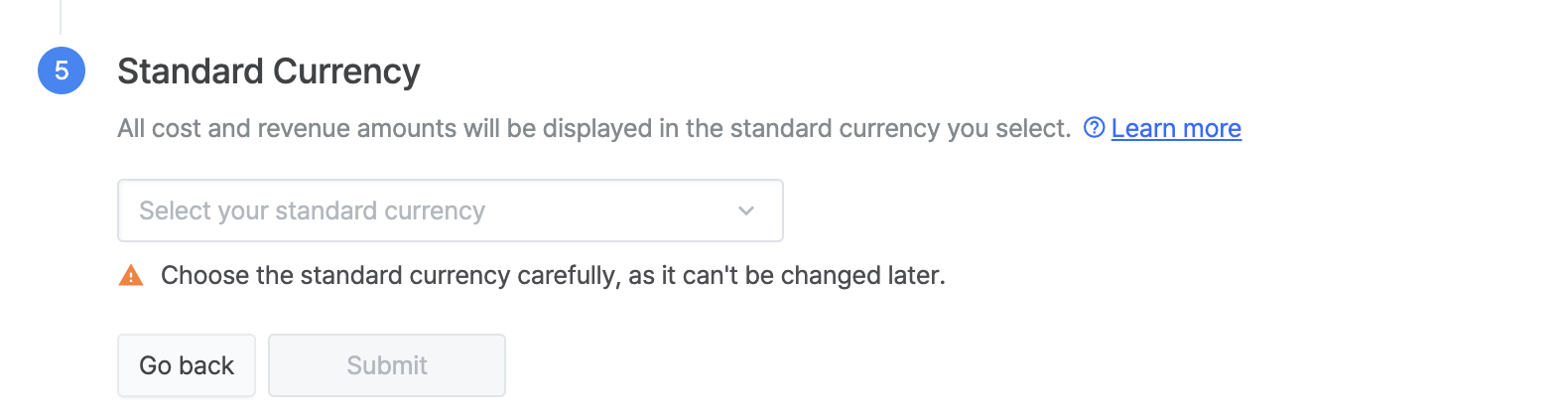
Select a currency. The currency cannot be changed later. After selecting the currency, please double-check the information you have entered to ensure that everything is correct before pressing the "Submit" button.
After creating your App, you will now be able to see it in My Apps.
Follow the instructions below to create your tracking link.
Click "your app" in the My app section, and you will be redirected to the specified website.
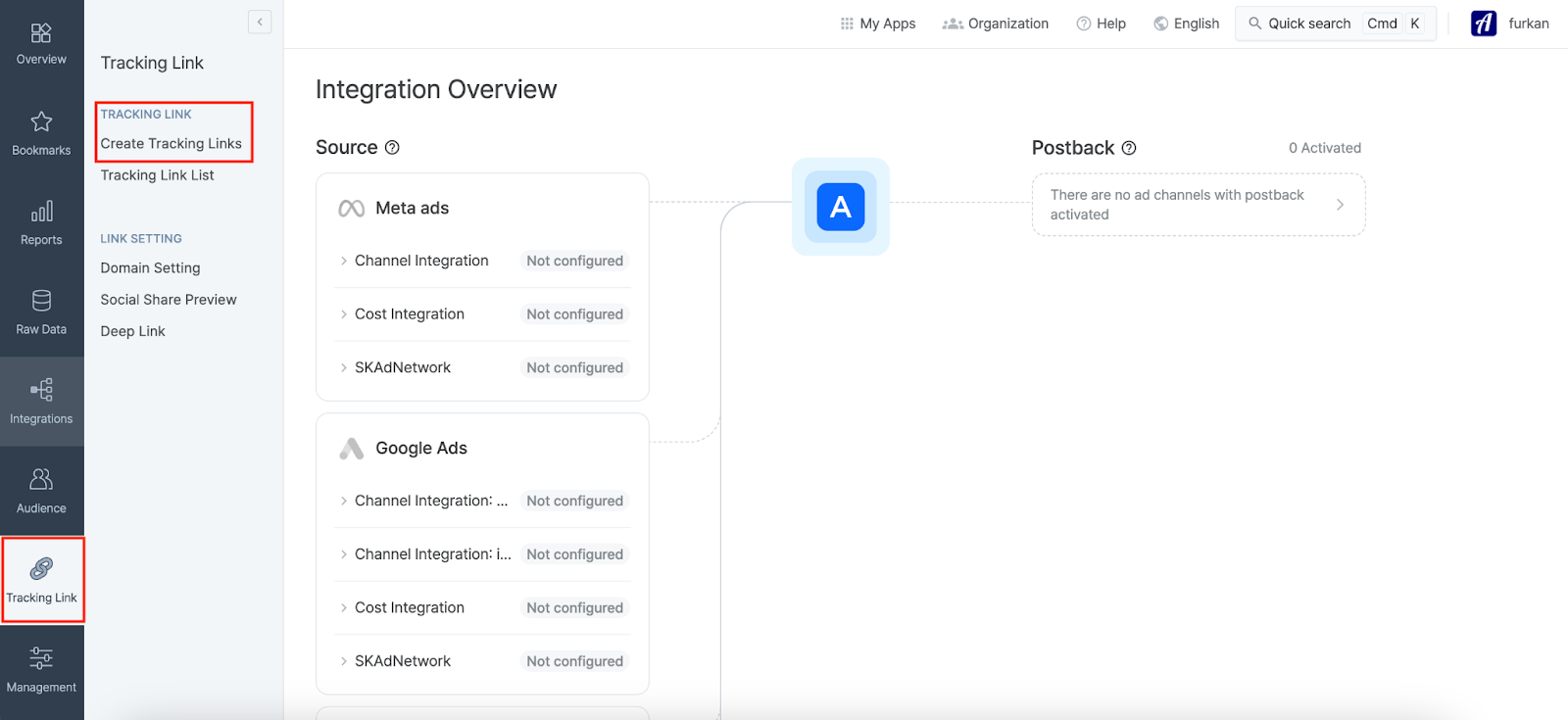
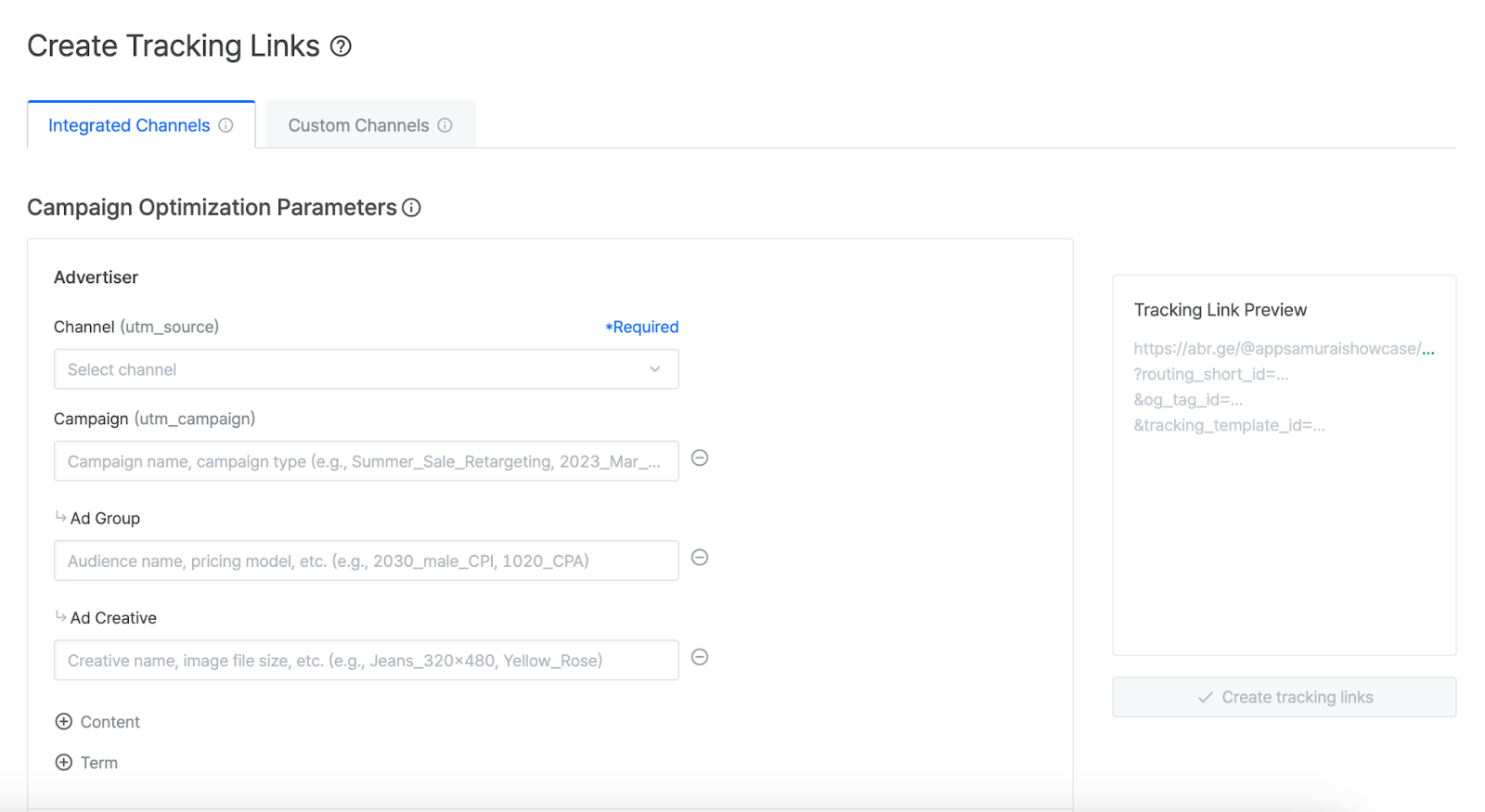
To begin creating your link, select "Tracking Link" > "Create Tracking Link" sections from the left menu.
You will be taken to the following page, and we may now start creating your tracking URL.
Please provide the needed parameters to the related section.
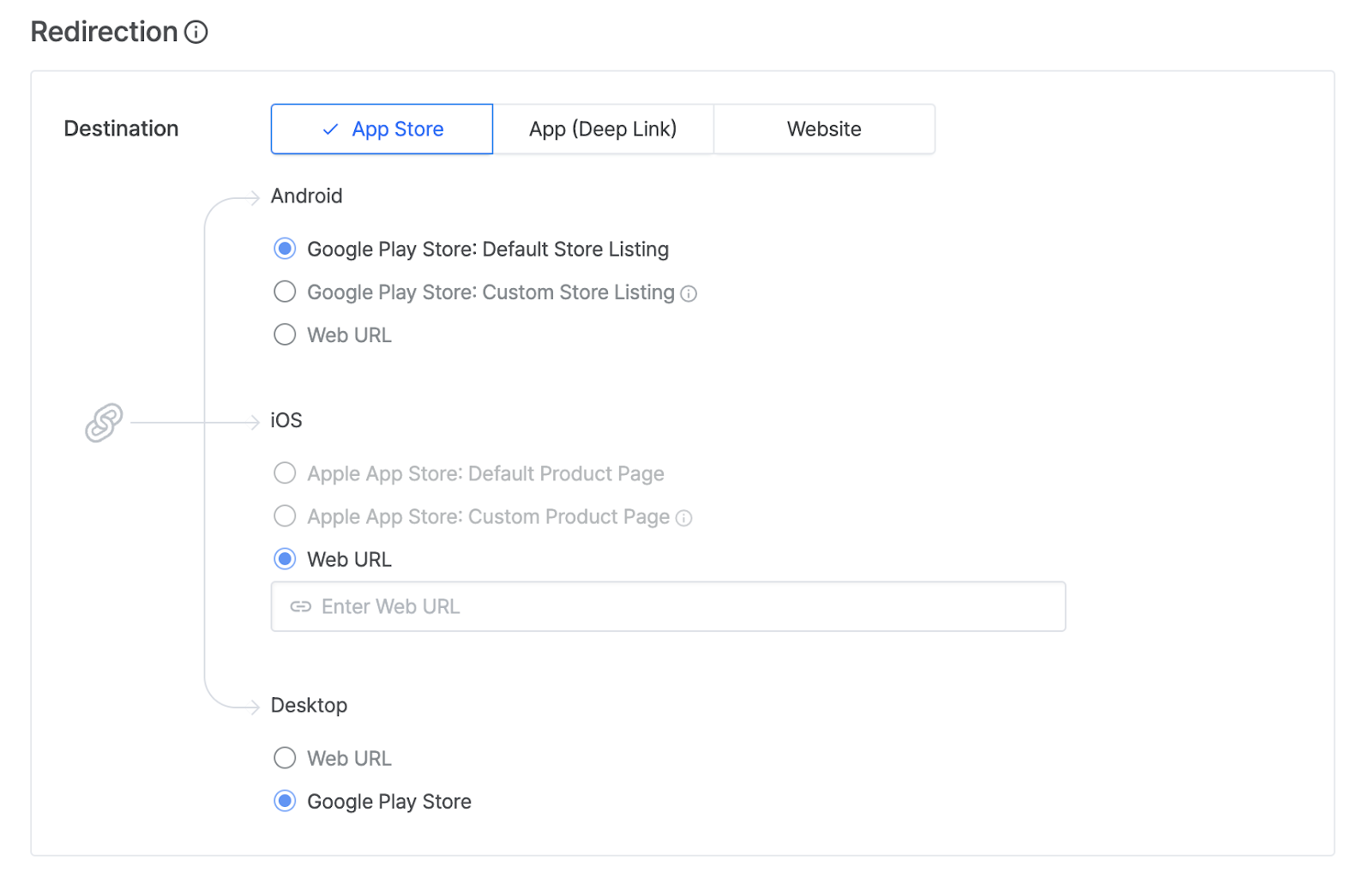
Choose the version's store where you want the users to be redirected and provide the necessary info.
Ps: Even if you have added only an Android device, Airbridge will still want you to add an iOS path in case the ads may still reach the iOS device users.
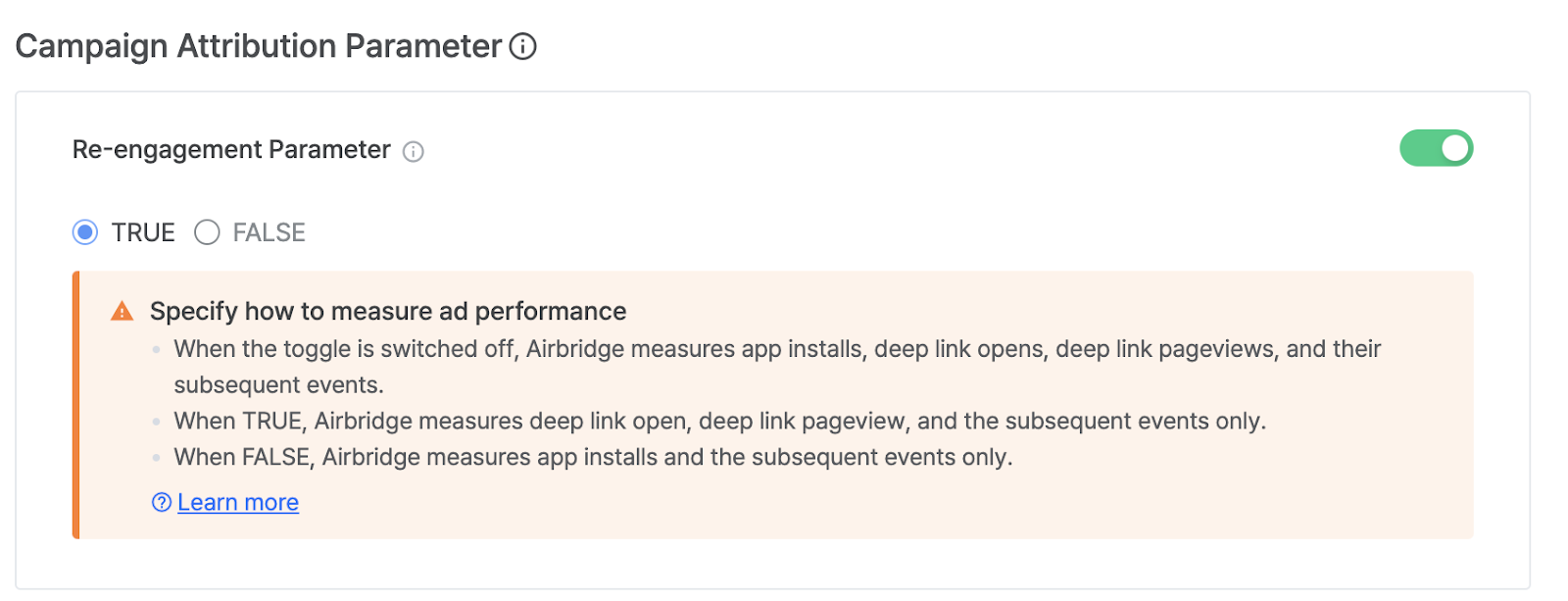
When the toggle button is OFF, Airbridge measures app installs and the subsequent events only.
When the toggle button is ON, Airbridge measures deep link open, deep link pageview, and the subsequent events only.